

Key Takeaways
Why Subscription Creep Is So Hard to Notice
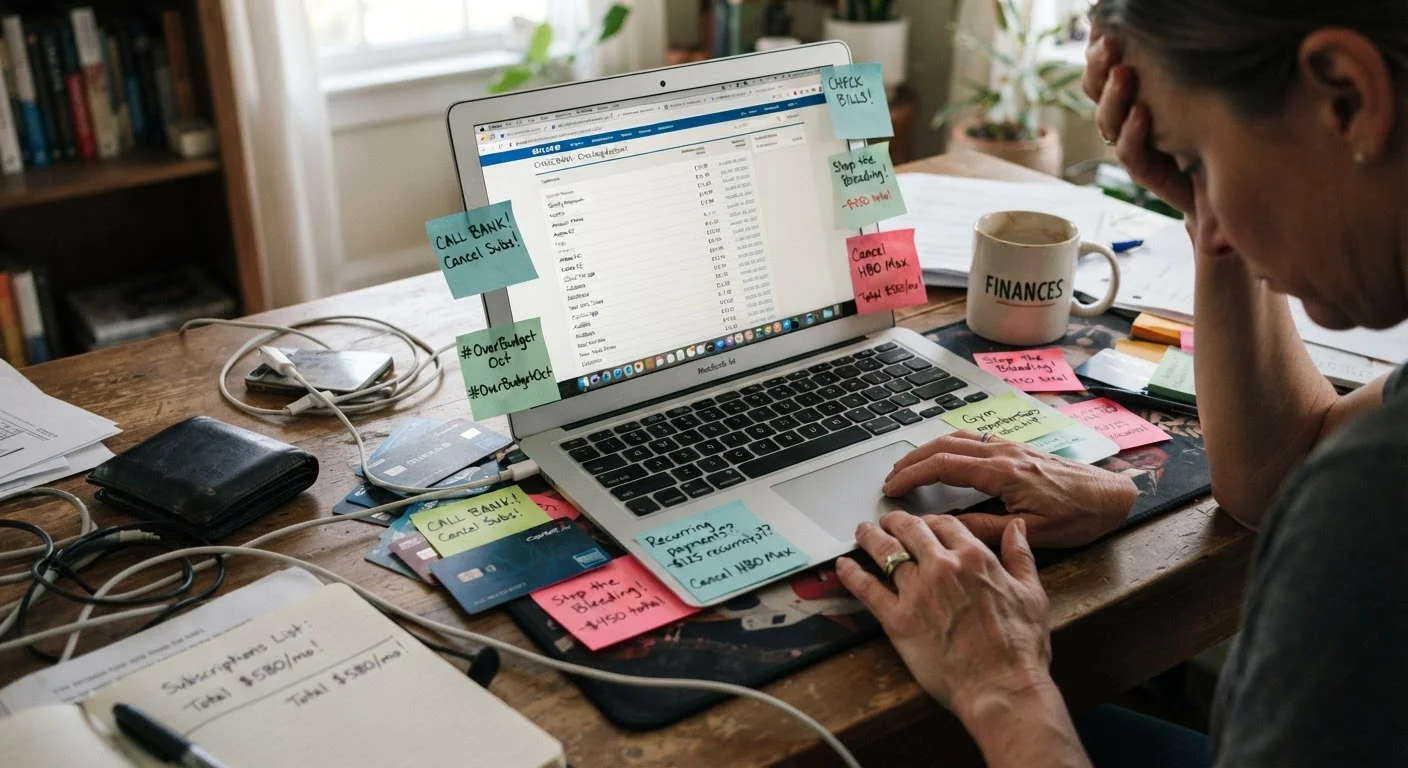
Subscription creep is the gradual accumulation of recurring charges - streaming services, software tools, meal kit deliveries, cloud storage, fitness apps - that individually feel trivial but collectively drain a meaningful chunk of your monthly budget. The psychology behind it is well-documented: small, predictable charges don't trigger the same mental alarm as a single large purchase, so they slip past our attention month after month.
Compounding the problem is how subscriptions are billed. Charges often appear under a parent company name rather than the product you recognize. A fitness app might bill as a tech holding company. A news outlet might show up as an obscure-sounding LLC. This makes spotting them during a quick bank statement scan genuinely difficult.
Recurring convenience costs like these are among the most common patterns that quietly erode financial progress. And as free trials frequently convert to paid subscriptions automatically, it's easy to be paying for something you signed up for months ago and entirely forgot about.
Set a Recurring Calendar Reminder
Run this audit every three to six months rather than as a one-time exercise. Subscriptions accumulate again over time, and periodic reviews keep the total in check. A 30-minute audit twice a year is a low-effort habit with disproportionate financial benefit.
What You'll Need Before You Start
Running an effective subscription audit doesn't require any special software - just access to the right accounts and a place to record what you find.
What you will need
How to Audit Your Subscriptions Step by Step
Follow these steps in order. The process typically takes 30 to 90 minutes depending on how many accounts and payment methods you manage.
Pull three months of bank and credit card statements
Download or print statements for every payment method you use - checking accounts, all credit cards, and any digital wallets. Scan every line item, not just large ones. Flag any charge that repeats across months or that you don't immediately recognize. Pay close attention to amounts under $20, since these are most easily overlooked.
Search your email for subscription receipts
In your primary email inbox, search for terms like "receipt," "your subscription," "billing confirmation," and "invoice." Sort results by sender to group recurring services together. This often surfaces subscriptions you forgot you signed up for, including those that may have slipped past your statement review.
Check your device app store subscriptions
On an iPhone or iPad, go to Settings, tap your name, then Subscriptions. On Android, open the Google Play Store, tap your profile icon, then Payments & subscriptions. Both screens list every active subscription billed through that platform, including many that won't appear clearly on bank statements under a recognizable name.
Review PayPal and digital wallet automatic payments
Log into any PayPal account and navigate to Settings, then Payments, then Manage Automatic Payments. This page lists every merchant authorized to charge your PayPal balance or linked account. Other digital wallets have similar screens - review each one you use.
Build a master subscription list
Compile everything you've found into a single list. For each entry record: the service name, the amount charged, the billing frequency (monthly or annual), the payment method used, and the renewal date if you can find it. This master list is your working document for the next step - deciding what stays and what goes.
Cancel unwanted subscriptions promptly
Cancel services you don't intend to keep as soon as you identify them - don't wait until just before the next billing date, since some cancellations take effect at the end of the current billing cycle anyway. Most services allow cancellation through account settings; some require a phone call or chat. Document your cancellation confirmation (a screenshot or confirmation email) for every service you cancel.
Annual Subscriptions Aren't Always Visible Monthly
Yearly-billed subscriptions may not appear in a three-month statement review. Make sure to scan a full 12 to 13 months of records, or specifically search your email for annual renewal notices. Missing an annual charge is one of the most common gaps in a subscription audit.
Deciding What to Keep - and What to Cut
Once you have a complete list, evaluate each subscription honestly using a simple framework. Ask: How often do I actually use this? If you can't remember the last time, that's a strong signal. Ask: What would I lose if it disappeared tomorrow? If the answer is "nothing much," cancel it.
For borderline cases, consider cost-per-use. A $15/month service you use 20 times monthly costs $0.75 per use - often reasonable. The same $15 charge for a service you open twice a month costs $7.50 per use, which may not hold up to scrutiny. This same logic applies to many purchases; understanding total cost relative to actual value is a useful habit across all spending categories.
Also check whether you're paying for overlapping services - two cloud storage plans, two music streaming accounts, or a premium tier you don't use features from. Consolidating often delivers immediate savings with no lifestyle change. Finally, review whether any subscription offers a lower-cost annual plan; paying annually instead of monthly commonly reduces the total cost, though it does require a lump-sum commitment upfront.